Barcode field
Type or scan an EAN. Unknown code? Add the product straight from the till.
A touchscreen POS your staff learn in five minutes
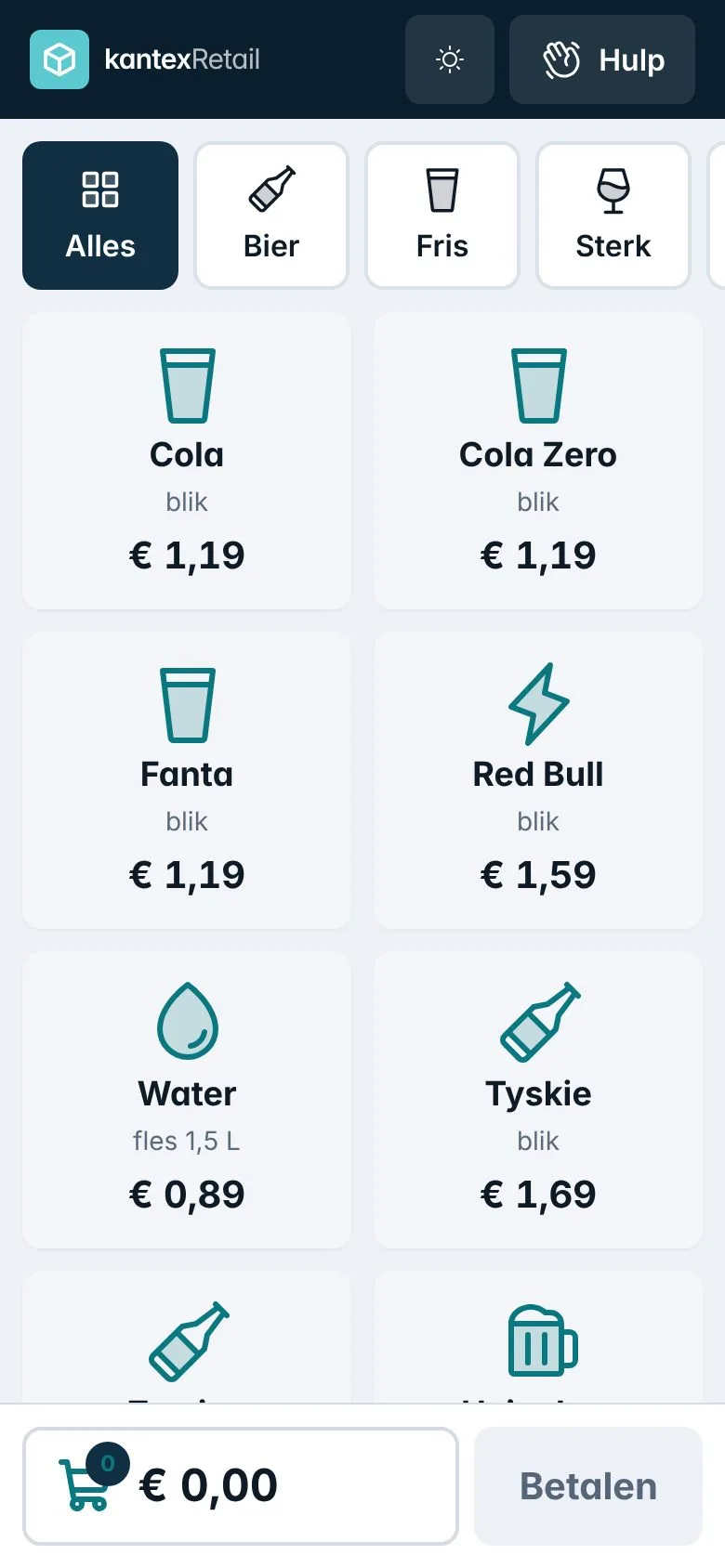
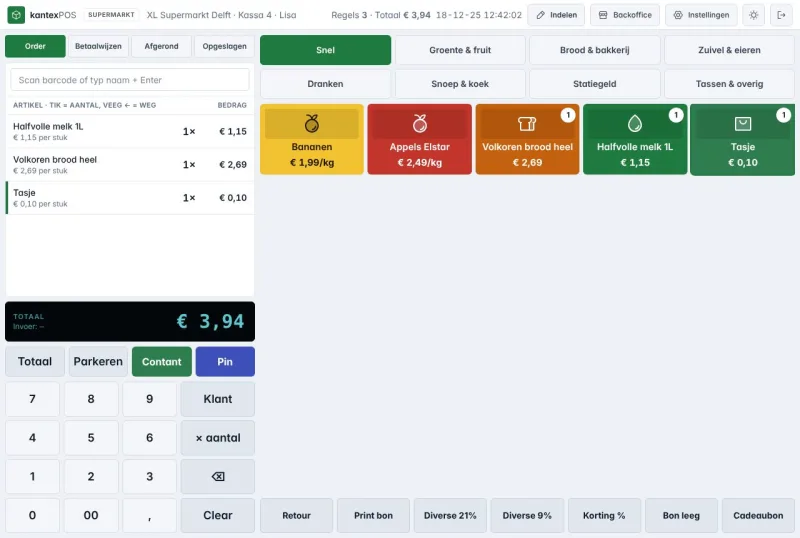
Large tiles, tap to change the quantity and swipe to remove a line. The Kantex touchscreen POS runs on any touchscreen, tablet or phone, in a light or dark theme.
Included from the Start plan, €29 per month
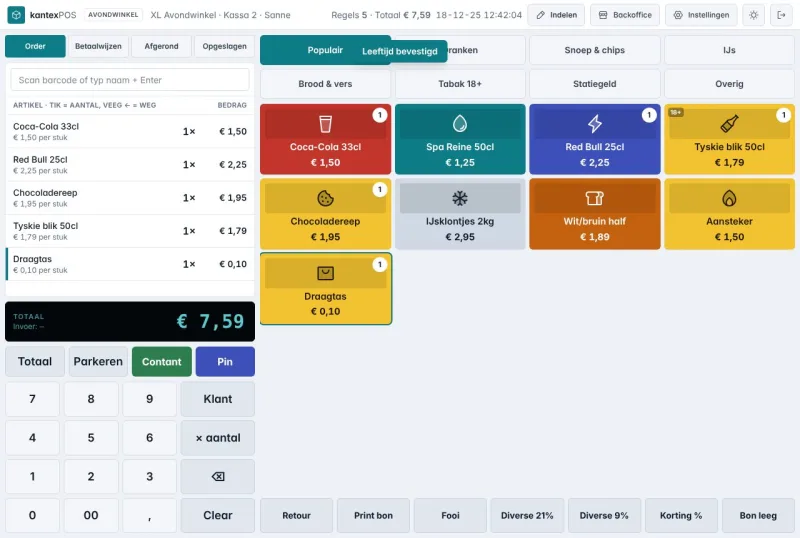
Staff log in with a PIN and count the drawer. Kantex remembers yesterday’s float.
Scan the barcode, type the number into the barcode field or tap a tile. Promotions are applied straight away.
Card and contactless via Adyen, cash, gift card or a split payment. Print the receipt, email it or skip it.
Type or scan an EAN. Unknown code? Add the product straight from the till.
For alcohol and tobacco the POS asks for confirmation, with a single tap.
Deposits as a separate line, including returns via the reverse vending machine voucher.
Second item half price, 3 for 2 and mix & match, with a start and end date.
Light by default. Switch per till or follow the device setting.
If the internet drops, you keep taking payments and Kantex syncs everything later.
A touchscreen or tablet, a receipt printer and an Adyen card terminal. You can also take payments on an Android phone with Tap to Pay. Already have a printer and drawer? We check during the trial whether they work.
Yes. You choose the tiles, colours and order per shop and per till in the back office.
Yes. There is a mobile view for taking payments on the shop floor or at a market.
Every feature, your own environment and a free switching service. No credit card needed.